A twelve-joint research quadruped, fully documented.
Standard hip‑thigh‑calf leg layout on all four legs, a ROS 1 driver stack (QRE Go1) from QUADRUPED Robotics on top, and an optional ROBOTIS OpenManipulator arm + RoboSense LiDAR variant for pick-and-place and mapping work.
From power-on to a driving robot
Network connection, SSH access and the standard ROS 1 launch sequence — enough to go from a cold Go1 to keyboard teleop over LAN.
Power on
Press the battery button once, then press and hold for 3 seconds. Do the same on the remote's bottom-side power button. Allow the robot to fully boot and stand up on its own before sending any commands.
Connect — static LAN
Connect a LAN cable, then set your PC's IPv4 to Manual: address 192.168.123.51, netmask 24. Verify with ifconfig, then confirm reachability with ping 192.168.123.161 (or .14 for the Nvidia board).
Connect — WiFi hotspot
Join the robot's own hotspot, SSID UnitreeRoboticsGO1-### (### = model number), default password 00000000. The onboard PC is then reachable at 192.168.12.1. LAN is faster and preferred for development.
SSH in
Raspberry Pi: ssh -X pi@192.168.12.1 (pw 123). Nvidia boards: ssh -X unitree@192.168.123.13 / .14 / .15 (pw 123). See the full network table in the Resources manual.
Launch the driver
As root, source the workspace and bring the robot up in high-level mode:
sudo su
source catkin_ws/devel/setup.bash
roslaunch go1_bringup bringup.launch
Teleop
rosrun teleop_twist_keyboard teleop_twist_keyboard.py
Publishes onto the driver's cmd_vel topic. The remote controller works directly too — double-tap START to walk, L2+START to run, L2+B for the undamped/relaxed state.
Low-level (per-joint Position/Velocity/Torque) mode bypasses the built-in balancing entirely and will make an unsupported robot fall over — always suspend the robot on a gantry first: roslaunch go1_base base.launch working_mode:=low_level target_ip:=192.168.123.10 target_port:=8007 local_port:=8090. Full network table, remote button map and firmware update procedure: Official Unitree Go1 Docs · MYBOTSHOP Go1 User Manual (PDF).
The QRE Go1 ROS 1 stack
QUADRUPED Robotics, a MYBOTSHOP brand, layers a ROS 1 driver (go1_base, go1_bringup), navigation, SLAM and Gazebo simulation packages on top of the stock Unitree hardware.
High-Level Control
Unitree's own gait controller handles walking and running. The go1_base driver publishes robot state, subscribes to cmd_vel, and exposes a set_body_pose service — the default and safest way to drive the robot.
Low-Level Control
Direct per-joint control in Position, Velocity or Torque mode via the joint_cmd topic — full control, but no built-in balancing. The robot will fall over if run unsupported; always suspend it first.
Navigation & SLAM
MoveBase-based autonomous navigation with GPS or indoor localization, plus a koide3-based 3D SLAM stack (qre_slam / qre_localization) that fuses lidar, IMU and GPS. High-level control mode only.
Gazebo Simulation
A fake-node Gazebo simulation built on the open-source CHAMP quadruped gait controller, viewable in RViz. Supports simulated IMUs, lidars and cameras for testing navigation and SLAM before touching real hardware.
Camera & Perception
Camera drivers run distributed across the robot's three onboard Nvidia boards (.13 / .14 / .15) via a ROS multi-machine setup, alongside the stock fisheye/ultrasonic perception array.
Teleoperation
Standard ROS teleop_twist_keyboard for locomotion, or the bundled Logitech controller driver (go1_control) for a physical gamepad instead of a laptop keyboard.
Go1 OM — ROBOTIS OpenManipulator + RoboSense LiDAR
A second, arm-equipped hardware configuration: a 4-DOF ROBOTIS OpenManipulator arm with a parallel gripper, and optionally a RoboSense 3D LiDAR — both documented and modelled separately from the bare quadruped body.
Arm & Gripper Control
The arm is driven through MoveIt's arm controller group; the gripper opens and closes via a goal_tool_control service call with a position between ‑0.01 (closed) and 0.01 (open). A namespace of go1 keeps every package conflict-free alongside the OpenManipulator's own topics.
Pick & Place Demo
A bundled demo package drives the arm to pre-defined poses (home, stand, left, right) to exercise the MoveIt pipeline end to end — the fastest way to confirm a fresh install is wired up correctly.
RoboSense LiDAR
An alternate driver branch adds a RoboSense 3D LiDAR for point-cloud capture and visualization — useful where the stock fisheye/ultrasonic array isn't enough range or density for mapping work.
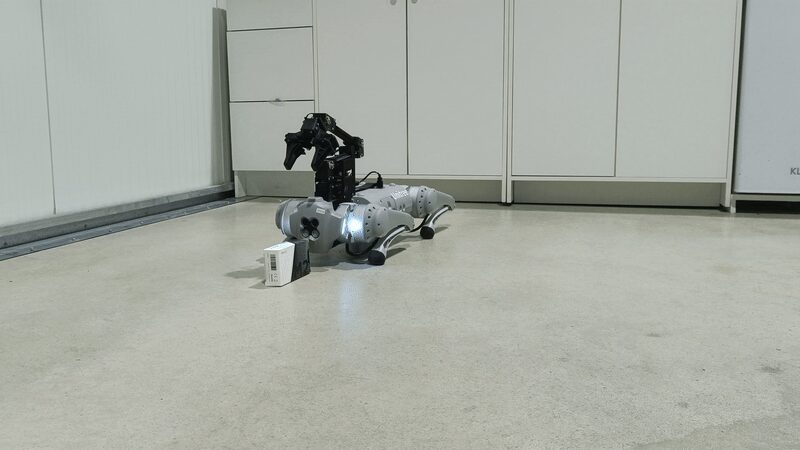
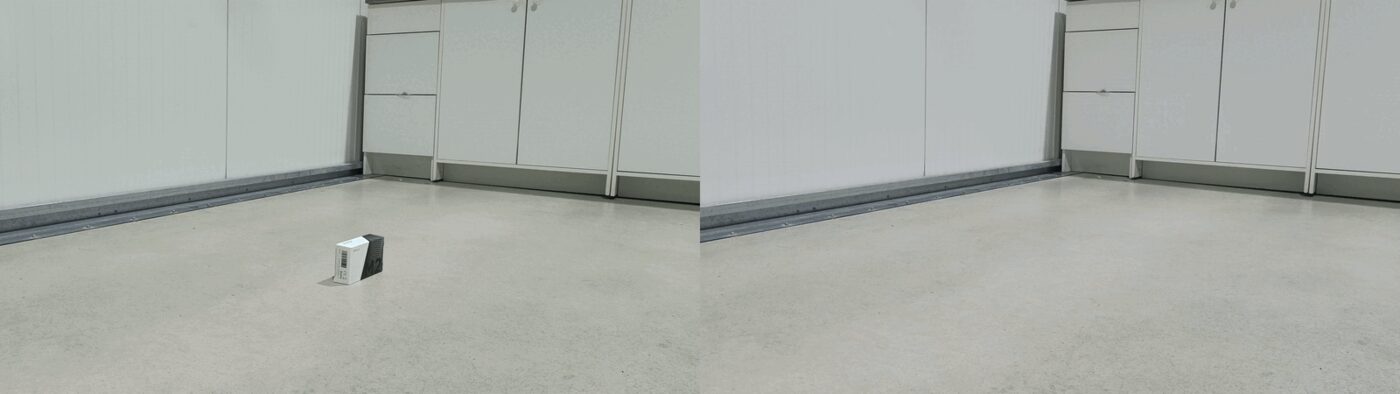
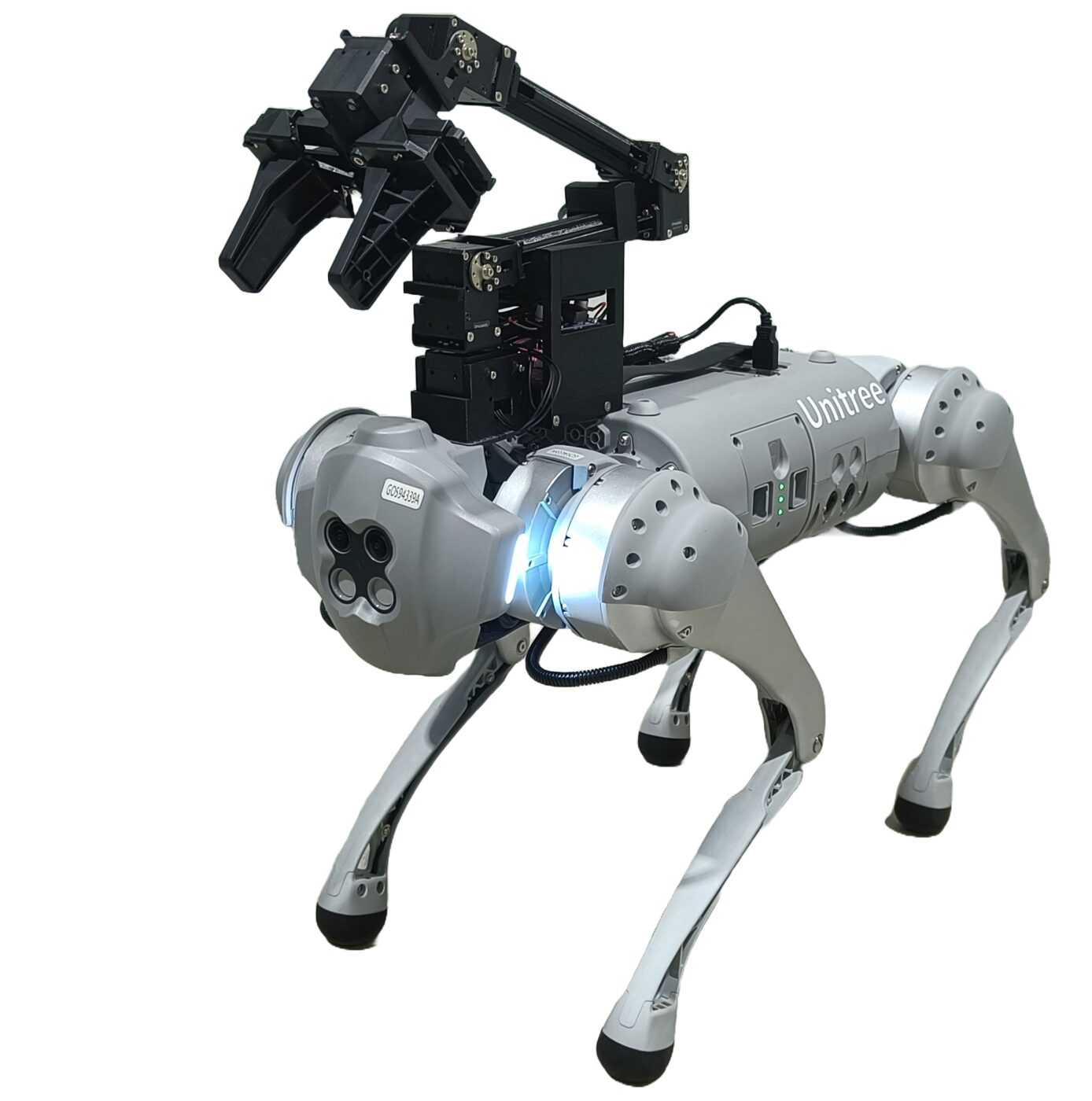
Both variants share the same go1_description package and repository, on separate branches (melodic-robotis for the arm, melodic-robotis-robosense with LiDAR added). Full setup, namespace and safety-guideline detail: MYBOTSHOP Go1 User Manual (PDF), Chapter 13.
Manuals, docs & robot description
Everything needed to operate the Go1 safely, develop against the QRE Go1 ROS 1 stack, or bring its model into your own tooling.
Complete Source Repo
The complete ROS 2 source workspace for QRE GO1 — every ROS 2 package, launch file and driver node, built and maintained by MYBOTSHOP. Confidential — shared under NDA with named customers; sign in or request access below.
Official Unitree Go1 Documentation
The manufacturer's own Go1 documentation: user manuals, mobile apps, the Unitree Legged SDK, camera SDK, and the firmware update tool.
Open docs →MYBOTSHOP Go1 User Manual
A single self-contained manual: network/SSH quick start, high- and low-level control, the full ROS 1 package reference, simulation, navigation, SLAM setup, and the OpenManipulator + LiDAR variant.
Download PDFGo1 Robot Description (URDF)
The full go1_description package — URDF/xacro for both the base 12-DOF body and the go1_robotis OpenManipulator variant, visual & collision meshes and package.xml. The base-body model, re-tessellated for the browser, is the same one rendered live in the viewer above. Drop it straight into a ROS workspace, RViz, or MoveIt.
The QRE Go1 ROS 1 driver source is maintained in a private MYBOTSHOP repository — if you need access for development, ask us directly.
If something goes wrong
Two steps, in order — the forum first for fast community and staff triage, then a direct ticket if it needs to go further.
MYBOTSHOP Forum
Open a topic on the MYBOTSHOP Forum for community and staff triage — most software questions and known issues get resolved here first. For code-level bugs, GitHub Issues, StackOverflow and Answers-ROS are also in play.
Direct ticket & RMA
If it's unresolved, email support@quadruped.de with the problem description and what's already been tried. For hardware issues we'll issue an RMA number and return instructions — returns without an RMA number are auto-rejected.
RMA returns ship to: QUADRUPED Robotics GmbH c/o MYBOTSHOP GmbH, Willy-Messerschmitt-Strasse 12, 50126 Bergheim, Germany.
We're here for the whole deployment
Fleet rollout, a new use case, or a question about the OpenManipulator variant — the MYBOTSHOP team can help.
support@quadruped.de