
A rugged four-legged robot, fully documented.
Twelve high-torque joint actuators, dual industrial LiDAR, and hot-swappable batteries for 24/7 duty cycles — built for inspection, security patrol, mapping, and logistics in the field.
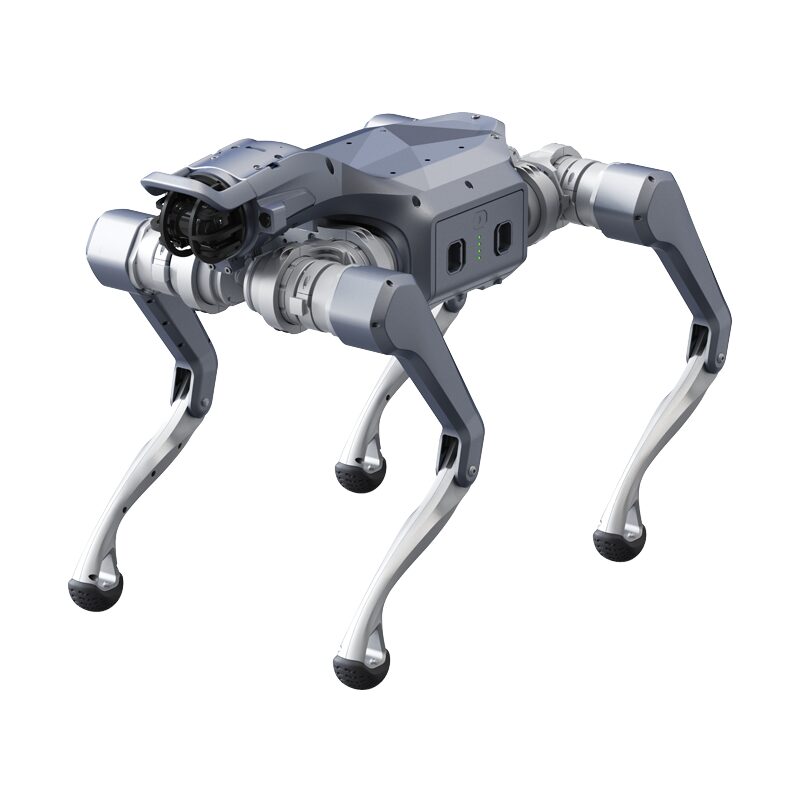
From power-on to first command
Unitree's official power-on and shutdown procedure for the A2 — enough for a supervised operator to go from a cold robot to a stable stand under remote control.
Pre-start checks
Place the A2 on a flat, stable surface with adequate clearance on all sides. Ensure the surrounding area is free of people and obstacles, and that the legs are arranged in a natural, untangled posture.
Install the batteries
Insert both battery packs into their compartments until each latch engages with a clear click. Confirm both packs are fully seated and secured. Do not force a pack — if it doesn't seat smoothly, remove it and check the orientation.
Power on
Power on each battery using the standard Unitree sequence: briefly press the power button once, then press and hold for more than 2 seconds to turn it on. Wait roughly one minute for initialization — the robot enters its idle/damping state automatically.
Stand and operate
Once initialization completes, use the remote controller to bring the A2 to a standing posture, then switch into locomotion mode. Verify stable balancing before issuing movement commands or releasing any support.
Emergency stop
If the A2 enters an abnormal or unsafe state, trigger the emergency stop via the physical E-stop button or the controller stop combination. The robot enters a damping/protective mode and lowers itself toward the ground in a controlled manner. Always know the E-stop location before operating, and keep it within reach.
Shutdown procedure
Move the A2 to an open, level area with clearance behind it. Command it into its resting/crouched posture, engage damping mode, then briefly press each battery button and hold >2 s to power down. Remove both battery packs for storage if the robot will be unused for an extended period. Keep hands and clothing clear of the leg joints during every posture transition.
Exact controller key combinations depend on the firmware build shipped with your unit — refer to the controller reference supplied with the robot. Full procedure: Official Unitree A2 SDK Development Guide · MYBOTSHOP A2 User Manual (PDF).
What's inside the A2
A sealed, ingress-protected quadruped body with twelve actuated joints, dual LiDAR perception, and fully open, low-latency control interfaces — suitable for autonomous inspection, SLAM/mapping research, locomotion control development, and fleet coordination.
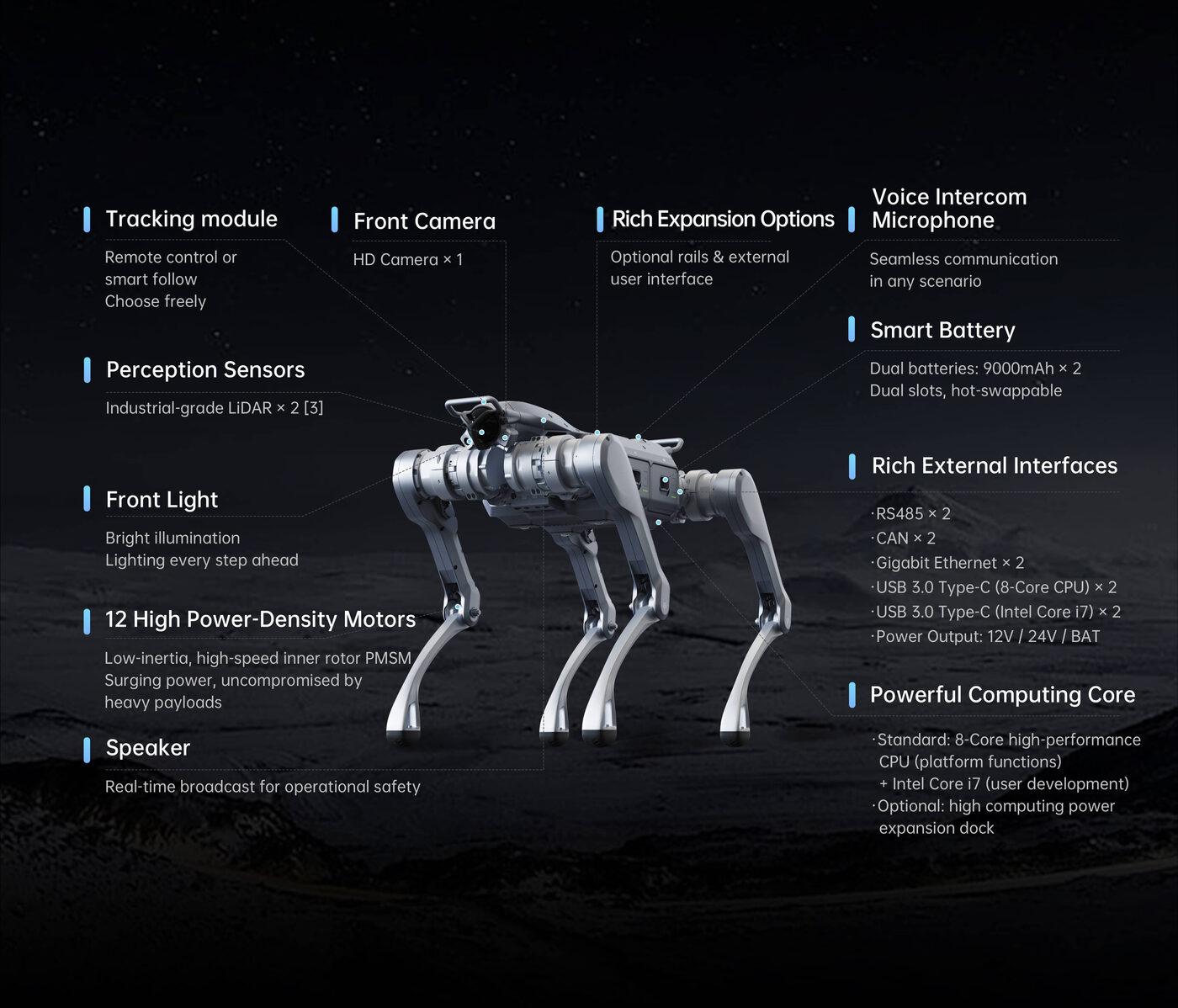
Official Unitree A2 parameter diagram
Legs & Actuators
Four identical legs, each with three degrees of freedom (hip roll, hip pitch, knee) for 12 DOF total. Unitree's self-developed electric (PMSM) actuators deliver peak torque up to 180 N·m, with dual encoders per joint for position and velocity feedback.
360° Perception
Dual industrial LiDAR units (front and rear) provide combined 360° spatial coverage for SLAM, mapping and obstacle avoidance. An HD camera with an integrated front LED enables low-light and night operation, backed by joint encoders and an IMU for proprioception.
Onboard Compute
Ships with an embedded octa-core CPU for motion control and standard autonomy workloads. An optional Intel Core i7 computing module can be fitted for perception-heavy or AI inference tasks.
Power System
Two 9,000 mAh hot-swappable battery packs support uninterrupted, around-the-clock operation — one pack can be replaced while the other sustains the robot. ~5 hours unloaded, ~3 hours at full load.
Open Control Interfaces
Fully open, low-latency control over Unitree's DDS-based stack: unitree_sdk2 (C++) and unitree_ros2 — usable with or without ROS 2, communicating over CycloneDDS.
Network & Development
Connects to a development PC over Gigabit Ethernet (plus Wi-Fi 6, Bluetooth 5.2, and optional 4G LTE + GPS) on the conventional Unitree 192.168.123.x subnet. Ubuntu 20.04, GCC 9.4 (C++17) and CMake 3.10+ are the documented build requirements.
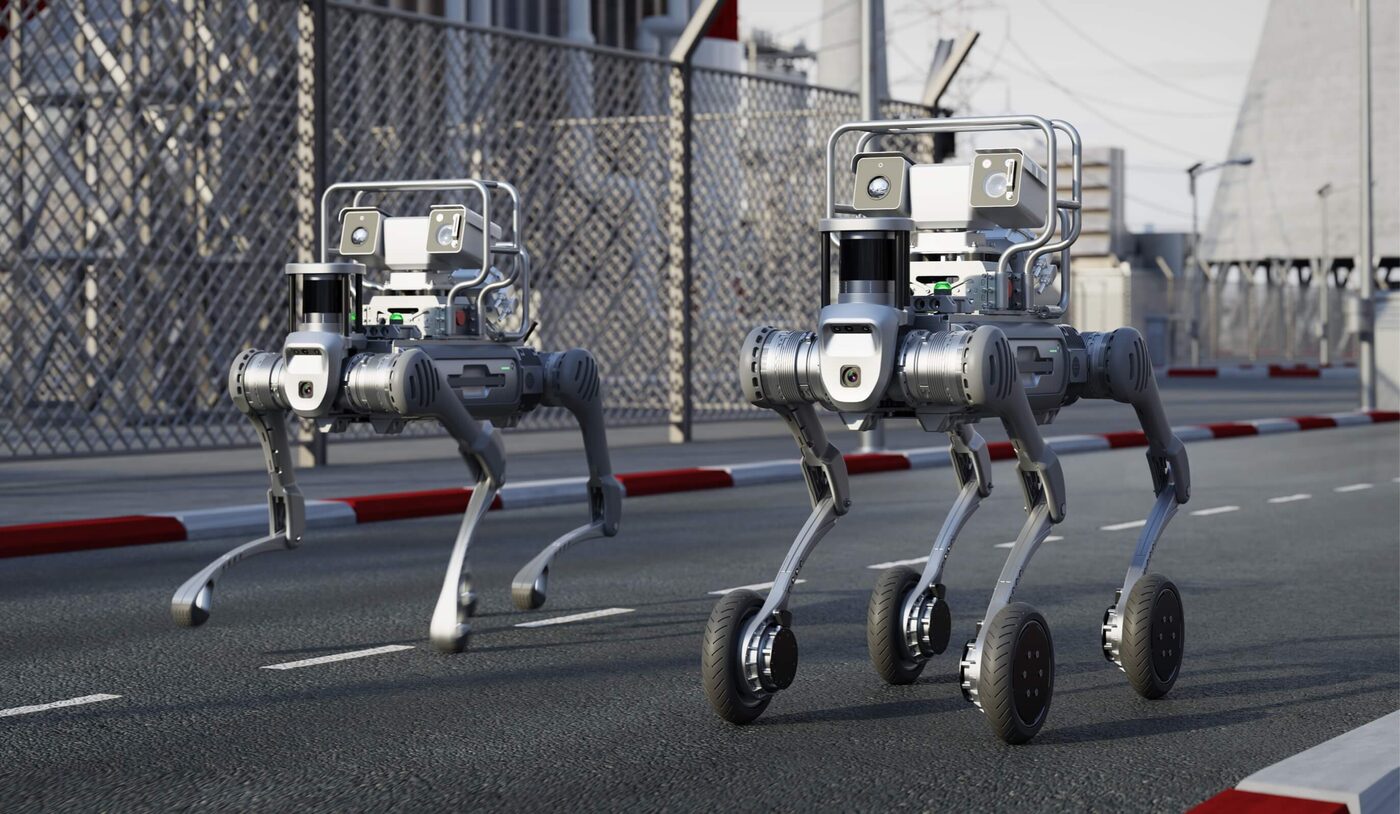

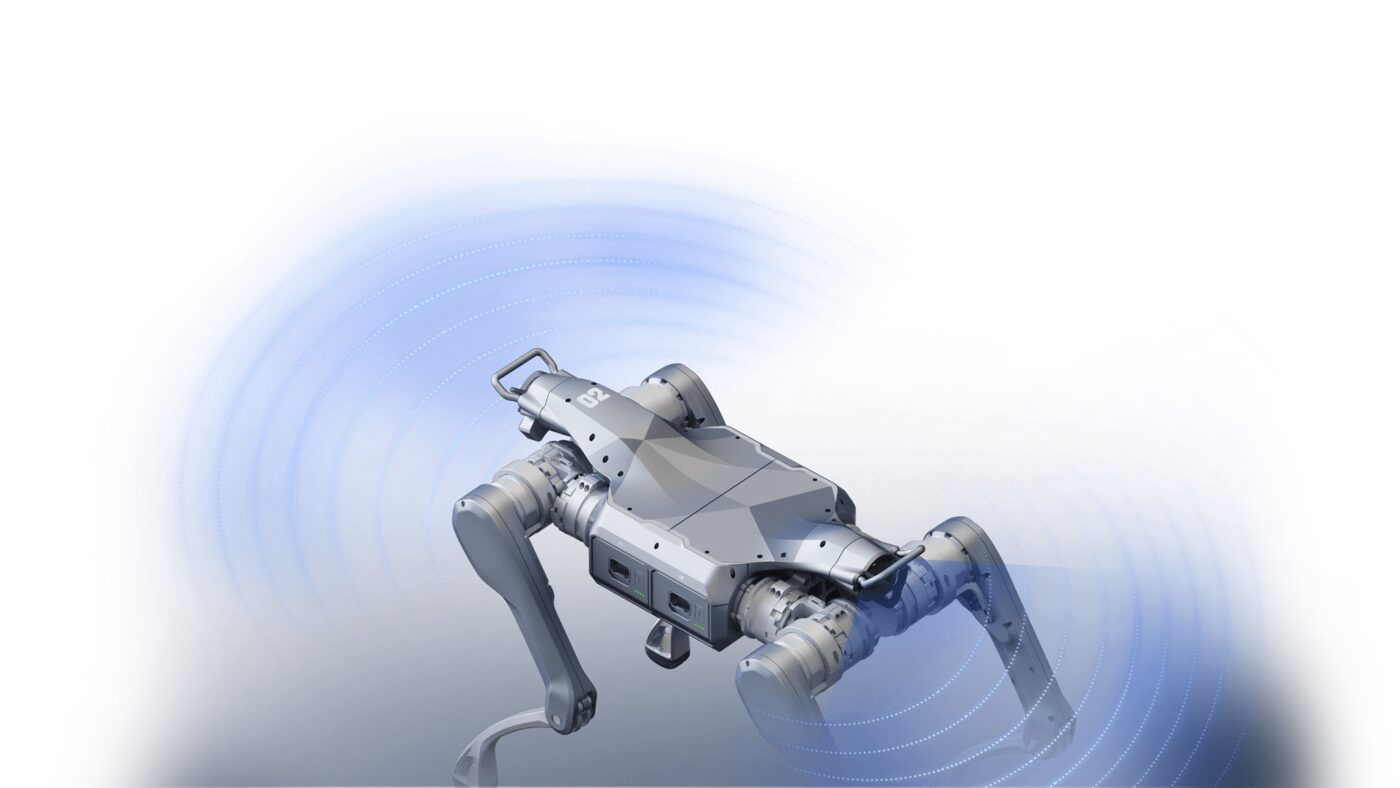
Low-level joint control bypasses built-in balancing safeguards — always validate commanded joint motions against the documented limits and keep the emergency stop within reach. Full SDK setup, build commands and joint reference: Official Unitree A2 SDK Development Guide.
Manuals & developer docs
Everything published for the A2 so far — the manufacturer's own SDK guide, the MYBOTSHOP manual, and the open-source SDK repositories.
Complete Source Repo In preparation
The complete source package for the Unitree A2 is currently being prepared for controlled release through the MYBOTSHOP customer portal and is not yet available for download. For availability timelines or early access under a non-disclosure agreement, please contact support@mybotshop.de.
Official Unitree A2 SDK Development Guide
The manufacturer's own A2 documentation — the authoritative reference for joint indices, motion limits, network addresses and firmware-specific detail not published elsewhere.
Open docs →MYBOTSHOP A2 User Manual
A single self-contained manual covering the A2: startup & shutdown procedure, full hardware specification, and SDK development & network setup for unitree_sdk2 and unitree_ros2.
Unitree SDK Repositories
The open-source SDKs behind everything in the Hardware & Software section above: unitree_sdk2 for C++ (high- and low-level control, state subscription, sensor access) and unitree_ros2 for the ROS 2 bridge.
No A2 robot-description (URDF) package is published yet on either side — if you need one for RViz/MoveIt work, ask us directly.
If something goes wrong
Two steps, in order — the forum first for fast community and staff triage, then a direct ticket if it needs to go further.
MYBOTSHOP Forum
Open a topic on the MYBOTSHOP Forum for community and staff triage — most software questions and known issues get resolved here first. For code-level bugs, GitHub Issues, StackOverflow and Answers-ROS are also in play.
Direct ticket & RMA
If it's unresolved, email support@quadruped.de with the problem description and what's already been tried. For hardware issues we'll issue an RMA number and return instructions — returns without an RMA number are auto-rejected.
RMA returns ship to: QUADRUPED Robotics GmbH c/o MYBOTSHOP GmbH, Willy-Messerschmitt-Strasse 12, 50126 Bergheim, Germany.
We're here for the whole deployment
Fleet rollout, a new use case, or a question about SDK integration — the MYBOTSHOP team can help.
support@quadruped.de