
A Unitree B1 quadruped base with a Unitree Z1 arm and gripper on top, combined by MYBOTSHOP.
BZ1 is not a standalone Unitree product line — it's a Unitree B1 quadruped fitted with a Unitree Z1 6-DOF arm via a custom MYBOTSHOP z1_mount adapter bracket, driven as one 19-joint robot under a ROS 1 Noetic software stack (QRE BZ1) with a whole-body MoveIt configuration for collision-aware control of the base and arm together.
From a fresh workstation to driving the BZ1
The BZ1's ROS driver runs on a remote PC or the robot's own onboard computer — ROS Noetic is the only supported distribution documented for the BZ1 (unlike the plain B1, which also documents Melodic).
Install ROS Noetic & build the workspace
Install ROS Noetic on Ubuntu 20.04, then create a catkin workspace with catkin_ws/src and build it with catkin build. Full apt/catkin command sequences are in the PDF manual.
Get the BZ1 install script
The BZ1 package and its install script aren't public — email support+bz1@mybotshop.de with subject "BZ1 GitHub Access", your GitHub ID and your invoice name/ID. Then sudo chmod +x install.bash && ./install.bash.
Connect & disable Z1 remote startup
Connect over the supplied Ethernet cable with a static IP, or the robot's own hotspot (SSID UnitreeRoboticsB1-###, password 00000000) — the BZ1-MCU is reachable at 192.168.123.220 (password 123). The Z1 arm's autostart job must then be disabled so ROS MoveIt can control it: ssh unitree@192.168.123.220, then edit Unitree/autostart/.startlist.sh to comment out z1.
Launch the whole-body driver
roslaunch bz1_gripper_moveit_config real_bz1_moveit.launch brings up MoveIt for the combined B1 base and Z1 arm with collision avoidance — requires step 3 (Z1 remote disable) to be done first.
Teleoperate the base
rosrun teleop_twist_keyboard teleop_twist_keyboard.py cmd_vel:=/cmd_vel drives the B1 base by keyboard — no extra hardware required.
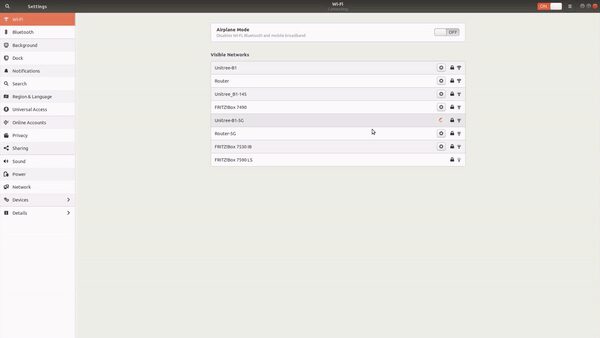
Basic operation once connected: START to walk, L2+A (double-press) to go prone/stand. The BZ1's onboard dashboard at 192.168.12.1 (once on its Wi-Fi) shows firmware version, motor temperature, vision and control. Full walkthrough: MYBOTSHOP BZ1 User Manual (PDF).
The QRE BZ1 ROS package set
Four ROS packages layered on the combined B1+Z1 hardware by MYBOTSHOP / QUADRUPED Robotics — bringup, robot description, whole-body MoveIt, and visualization.
BZ1 Bringup
Launches the BZ1 base driver hardware.
BZ1 Description
The 3D models of the BZ1, stitched into a single URDF from the B1, Z1 and mount-bracket meshes — the same combined model rendered live in the viewer above. Additions go in xacro/robot.urdf.xacro; it's auto-launched with the Gripper MoveIt driver to show the perceived leg/arm position live.
BZ1 Gripper MoveIt
The MoveIt setup configured for the B1 and Z1 together, enabling collision avoidance between the arm and the base — this is the driver behind BZ1's whole-body control.
BZ1 Viz
Visualization of the robot's current state, in both simulation and on real hardware.
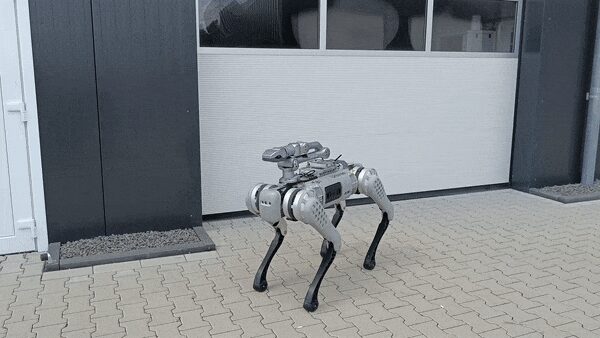
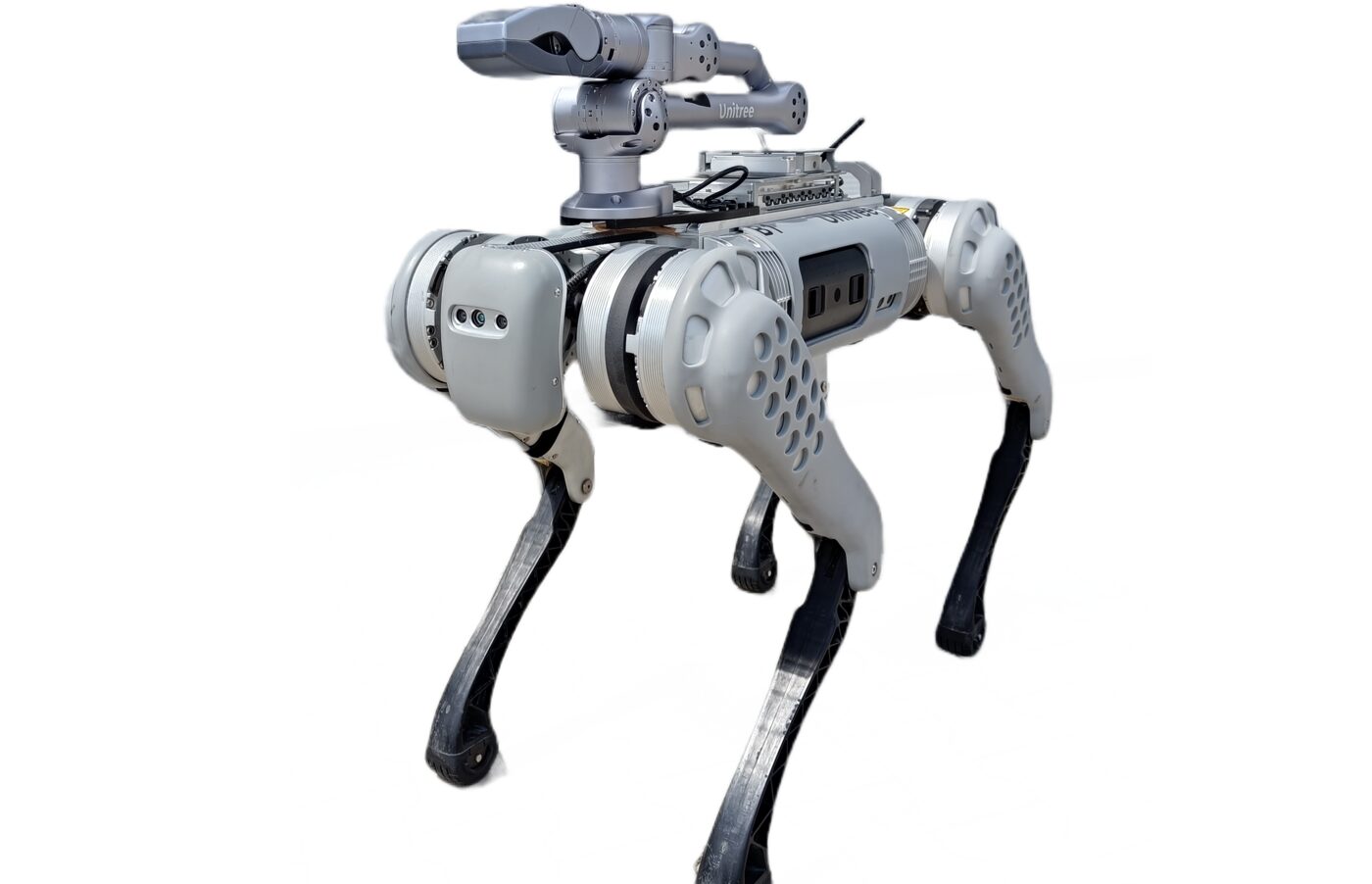
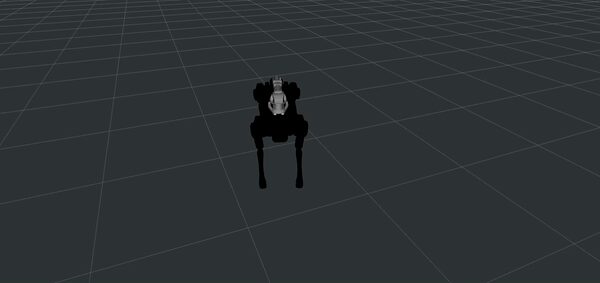
The BZ1's bz1_description URDF resolves mesh geometry across three sibling packages — b1_description, z1_description and bz1_description itself (just the mount bracket) — bundled together in the downloadable package below.
Manuals, ROS docs & robot description
Everything published for the BZ1 so far — the manufacturer's manual link, the MYBOTSHOP manual, and the combined robot description package.
Complete Source Repo
The complete ROS 2 source workspace for QRE BZ1 — every ROS 2 package, launch file and driver node, built and maintained by MYBOTSHOP. Confidential — shared under NDA with named customers; sign in or request access below.
Manufacturer's Documentation
The BZ1 docs link out to the manufacturer's own manual rather than hosting a downloadable PDF equivalent — it's a Chinese-language Yuque document and needs a browser translation plugin to read comfortably.
Open manufacturer's manual →MYBOTSHOP BZ1 User Manual
A single self-contained manual: ROS Noetic install walkthrough, quick start, network & app setup, the full QRE BZ1 ROS package reference, and Z1 remote enable/disable.
Download PDFBZ1 Robot Description (URDF)
All three ROS packages needed to resolve bz1_description/urdf/robot.urdf in full — URDF, xacro sources and Collada/STL visual meshes for the B1 base, the Z1 arm and the mount bracket. Drop into a catkin workspace or RViz. Check with support@quadruped.de before redistributing further.
The BZ1 software package itself (bz1_bringup, bz1_gripper_moveit_config, etc.) isn't public — email support+bz1@mybotshop.de with your GitHub ID and invoice name/ID for access.
If something goes wrong
Two steps, in order — the forum first for fast community and staff triage, then a direct ticket if it needs to go further.
MYBOTSHOP Forum
Open a topic on the MYBOTSHOP Forum for community and staff triage — most software questions and known issues get resolved here first. For code-level bugs, GitHub Issues, StackOverflow and Answers-ROS are also in play.
Direct ticket & RMA
If it's unresolved, email support@quadruped.de with the problem description and what's already been tried. For hardware issues we'll issue an RMA number and return instructions — returns without an RMA number are auto-rejected.
RMA returns ship to: QUADRUPED Robotics GmbH c/o MYBOTSHOP GmbH, Willy-Messerschmitt-Strasse 12, 50126 Bergheim, Germany. Do not ship goods to QUADRUPED Robotics GmbH Office in Leverkusen!
We're here for the whole deployment
A fleet rollout, a question about the whole-body MoveIt setup, or GitHub access to the BZ1 package — the MYBOTSHOP team can help.
support@quadruped.de